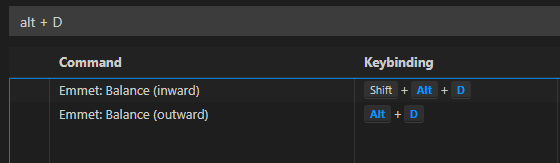
Choose Tag pair (Alt + D)
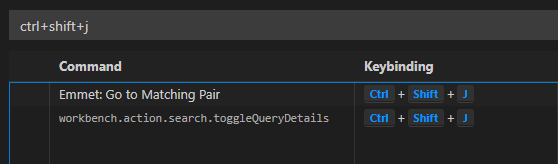
Go to matching pair (Ctrl + Shift + J)
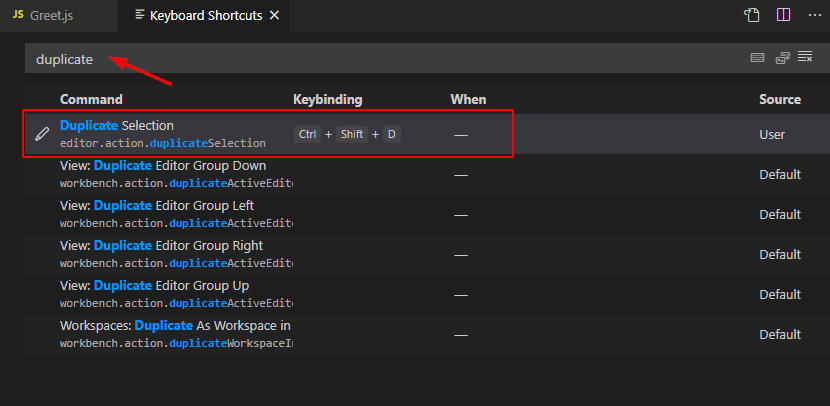
Duplicate line code (Ctrl + Shift + D)
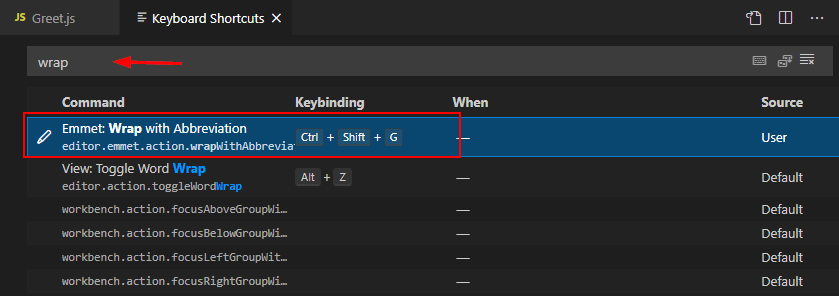
Hotkey group tag (ctrl + shift + G)
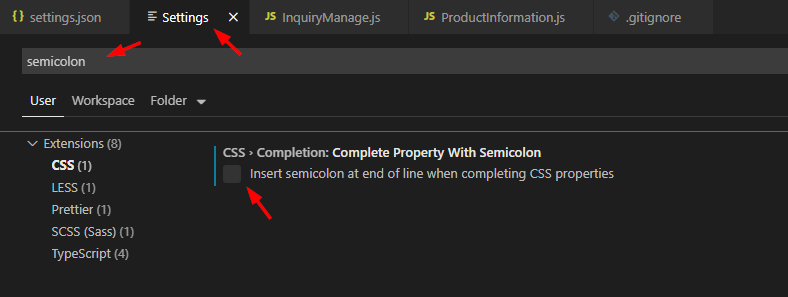
Prevent auto semicolon
- Press Control + Shift + P in VSCode.
- Search For Preferences: Open Settings (UI) .
- Again in the Searchbar, search for Semicolon .
- Choose CSS or your preferred language from where you want to remove auto semicolon.
- Untick Insert semicolon at the end of line when completing CSS properties .